In Kenya, before you start teaching in any school as a qualified teacher, you must first be registered by the Teachers Service Commission (TSC) and be issued with a service number known as TSC Number. This is the number that identifies you as a teacher and gives you the rights to teach in any public or private school. Its therefore important that you learn the procedure on how to apply for TSC Number in kenya.
In this article, we will guide you on the step by step procedure that you will use to apply for TSC Number Online. You will also learn about the requirements, application procedures and how to avoid delays after applying for TSC Number.
What is a TSC Number?
This is a unique number that is solely issued with the Teachers Service Commission (TSC) that identifies you as a qualified teacher registered mandated to teach in Kenyan schools.
In Kenya, you can not be allowed to teach in schools be it public or private if you are not in possession of this unique identifier.
What are the Requirements of Applying for TSC Number?
The following documents is a must have before you kick off the online application process.
- National ID or Passport
- Academic Certificates (KCSE, Diploma/Degree)
- Professional Certificates like P1/DPTE certificate or Degree in Education.
- Official transcripts
- Passport Size Photo
- Certificate of good Conduct.
- KRA PIN
- Payment Receipts for Registration fee.
The above documents must be scanned and saved in PDF format. Ensure that the scanned documents are clear and legible to avoid you application being rejected.
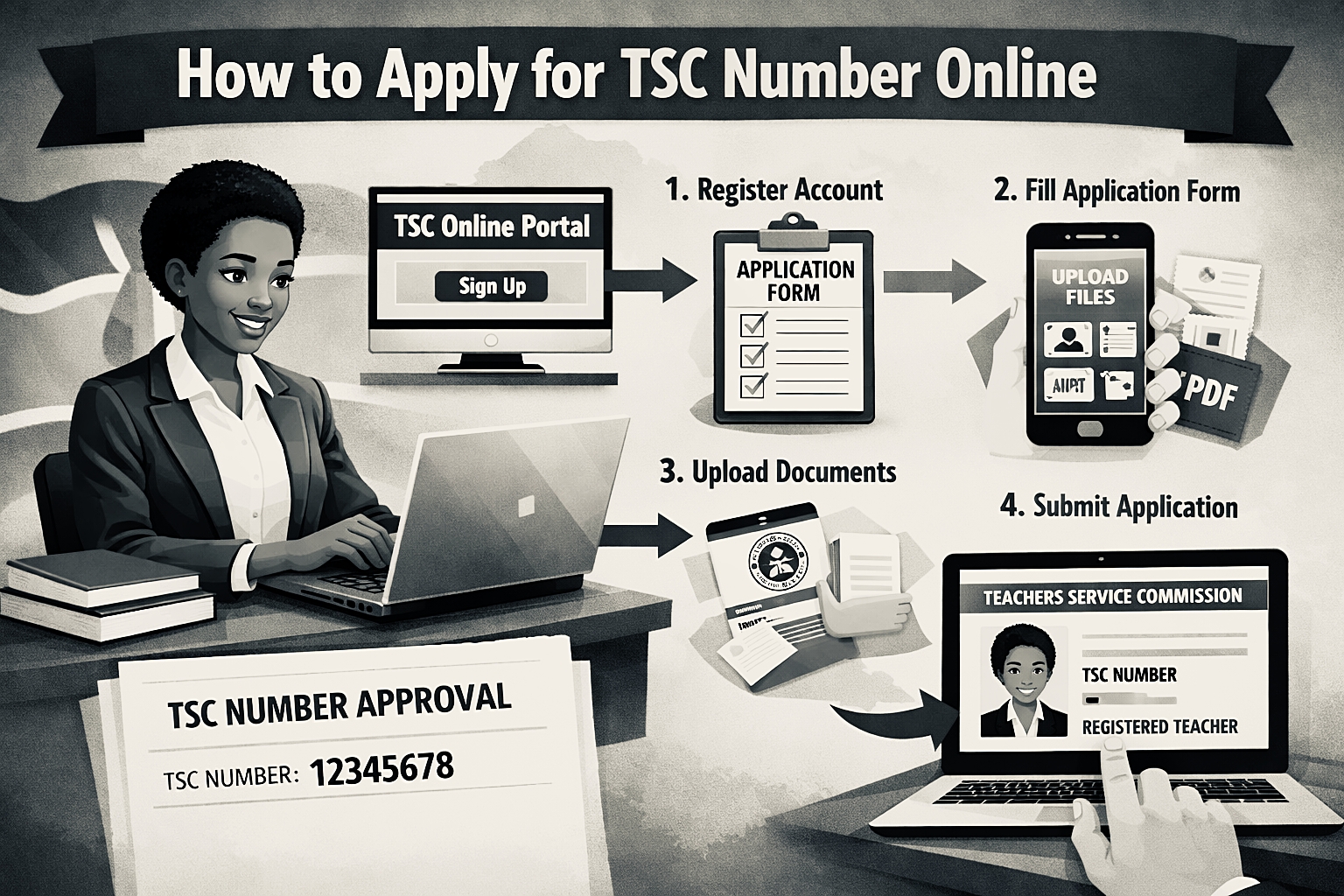
Step-by-Step Guide How to Apply for TSC Number Online
The following steps will guide you through the process on how to apply for TSC Number Online. Follow the steps carefully to avoid making mistakes.
Step 1: Visit the TSC Online Portal
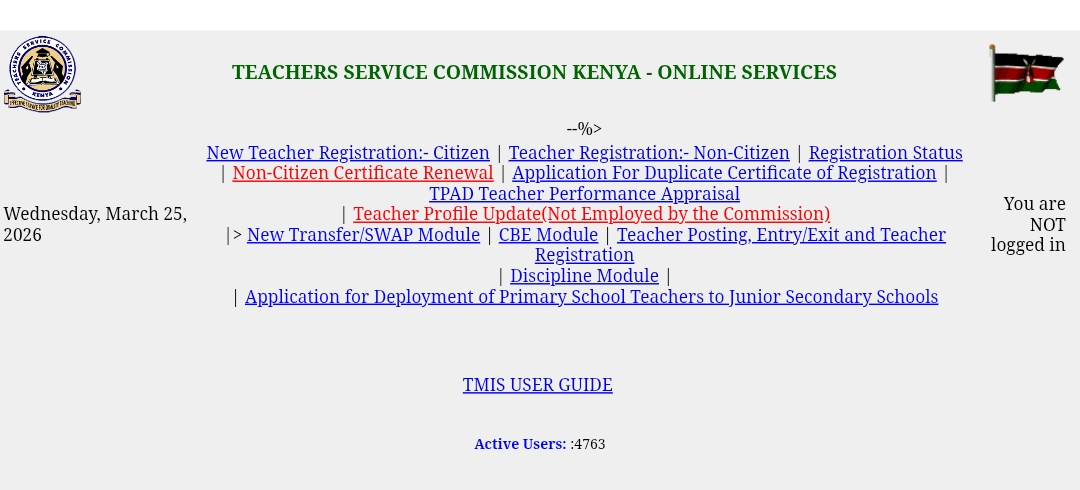
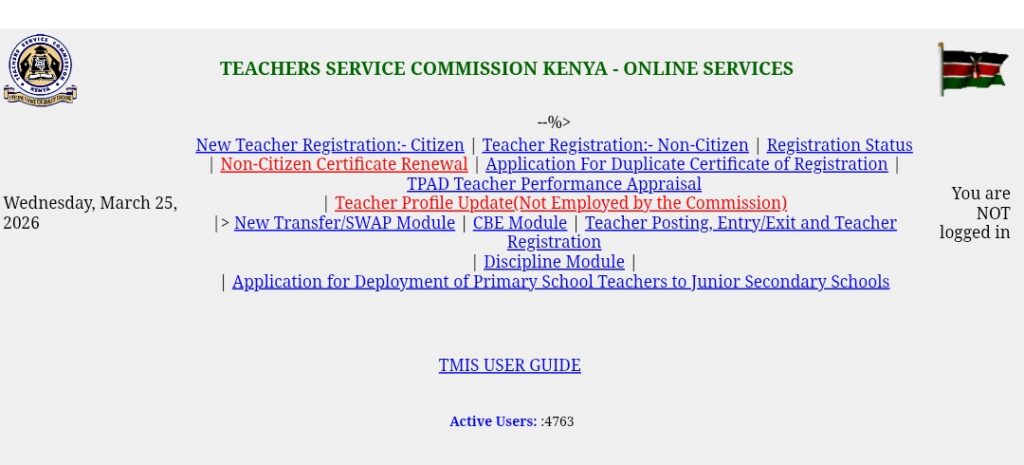
To access the TSC online portal, follow this official link at https://teachersonline.tsc.go.ke/. A page like the one below will be opened.
Step 2: Create an Account
To create an account with the Teachers Service Commission (TSC), click on ‘New Teacher Registration ‘. You will be prompted to enter details like ID Number, Email address and phone number as shown below.
You will be required to create a secure password for your account.
Step 3: Fill in Personal Details
Here you will be required to provide your accurate personal data which include:
- Your full name as it appear in your ID
- Date of Birth
- Gender
- Nationality
Step 4: Academic and professional Details
You will be required to enter your KCSE results and your teacher training qualifications. Under this section, you will be required to upload all the necessary required certificates.
Step 5: Upload Required Documents
Under this section, you will upload other documents like;
- Copy of your ID
- Certificates and transcripts
- Passport Photo
- Certificate of Good Conduct
When uploading these documents, ensure that they are clear and well labelled.
Step 6: Pay Registration Fees
You will be required to pay a non-refundable fees of Ksh. 1050 as registration fees. This payment can be made via M-Pesa or through the National Bank of Kenya.
How to Pay TSC Registration Fee via M-Pesa
- Go to your phone M-Pesa menu
- Select Lipa na M-Pesa
- Choose Pay Bill
- Enter Business Number: 625625
- Enter Account Number: Use TSC + Your ID Number. Example: TSC12345678Enter Amount: KSh 1,055Enter your M-Pesa PIN
- Confirm the transaction
After you have made payment, you will receive an SMS to confirm this payment.
Take the screenshot of the message or save the message because you will be required to upload the message to the portal.
You should note that when making payment, use paybill and not buy goods and services. Under account number, ensure that you follow the oder given to avoid making mistakes. The message you used to make the payment keep it for future as proof of payment.
How to Pay via National Bank of Kenya
If you would wish to make payment via bank, follow the steps below:
- Visit any National Bank of Kenya branch
- Request a bank deposit slip and fill in these details:Account Name and TSC Registration
- Account Number: 01001000905001
- Deposit KSh 1,050 and Submit the slip to the teller
- Collect your stamped bank slip
You will be required to scan this bank slip ready for uploading during application.
Ensure that you don’t make payment before you are requested to make payment from the portal.
Step 6: Submit Your Application.
Before you submit your application, review all the details carefully then once you find the details are correct, click on Submit.
Once you have submitted the application, you will receive a confirmation message acknowledging receipt of your application.
How Long Does TSC Take to process TSC Number?
From the date of application and submission, the Teachers Service Commission (TSC) typically takes 2-4 Weekes to verify your data and documents and process your TSC number.
Sometimes it may take long for various reasons including:
- Unclear Scanned Documents
- Incorrect Information provided during application
- Large number of Applications
How Do I Check My TSC Number Application Status Online?
After you have applied for TSC Number you can keep track of your application via the Teachers Service Commission online Services Portal.
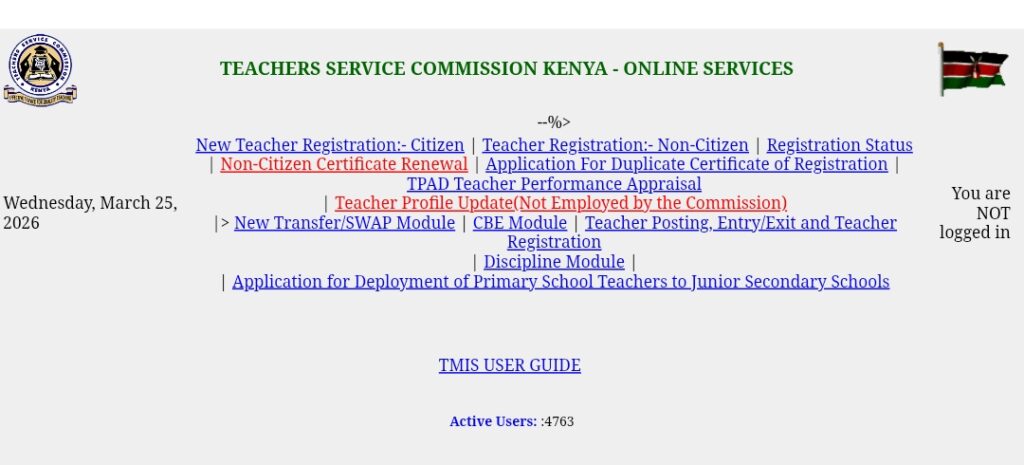
To track you application status, log in to your TSC Account and on the menu, click on ‘Registration Status’. If your application has been approved, your TSC number will be displayed in your account.
If it has not been processed but under review, it will indicate ‘in progress’
If your documents have issues and your application has been rejected, it will display ‘Need Attention‘
What are the common Mistakes to Avoid When Applying for TSC Number Online?
While applying for TSC Number, there are mistakes to avoid to ensure your application via is not rejected. The following are mistakes to avoid during application:
- Uploading documents that are unclear or Cropped.
- Providing personal details that are incorrect.
- Using names that do not appear in the certificate.
- Skipping fields that are necessary during application.
- Delaying on making payment for registration.
What are the benefits of Having TSC Number?
When you have a TSC Number you are able to:
- Apply for teaching jobs in Kenya both in Public and private schools.
- Be employed by the government through The Teachers Service Commission (TSC).
- Access the Commission services like promotions and transfers.
- Participate in teacher training programs
Conclusion
If you intend to apply for TSC Number online, its a straight forward process that will require little time if you follow the procedure and provide accurate information as required by the commission.
Since the Teachers Service Commission moved all its services online, qualified teachers can now apply for TSC Number from anywhere in the country without necessarily having to move to TSC offices.
Therefore, ensure that you prepare all the required documents adequately and follow the guidelines properly when submitting your application to ensure that your application is not rejected.
Once your application has been approved and TSC number issued, you will have an opportunity of teaching in Kenyan schools.