
With the advent of Digital tools in Kenyan classrooms, the teaching landscape in the country has changed pretty fast with the Best free Teaching Apps for Kenyan Teachers 2026.
These tools are important for teachers teaching in urban and rural areas in preparing lesson plans, engaging with learners, assessing performance of learners and also they save time.
In this guide we are going to take you through the best free apps that teachers can use in their daily teaching in 2026. We will also give details on how to use each one of it while teaching learners in class.
1. Google Classroom
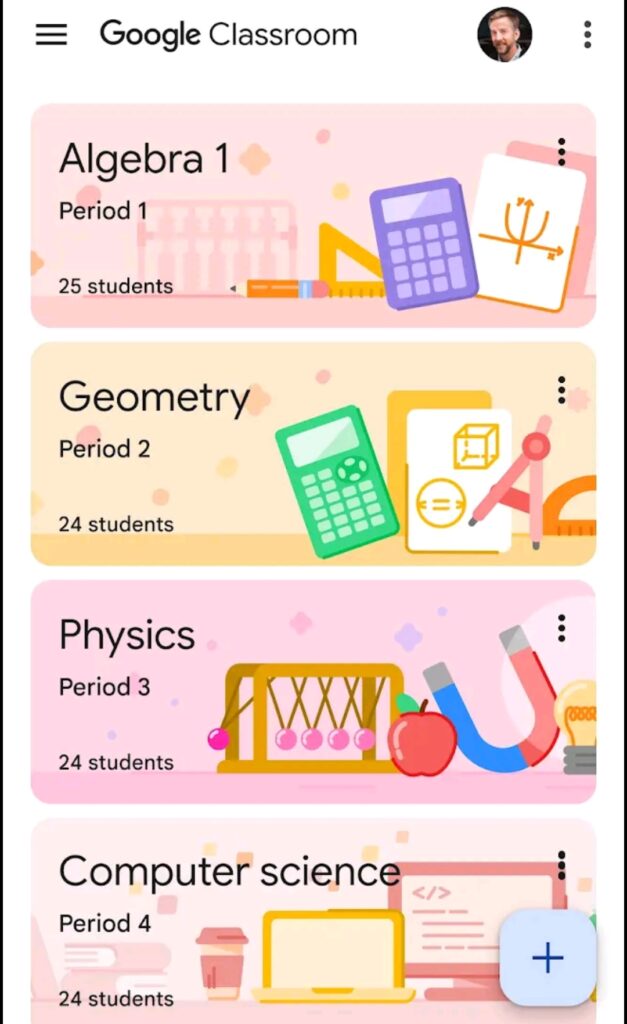
This app is commonly used by teachers. Its a free platform that is used in managing teaching and learning. Teachers can use this app to conduct virtual classes, share assignments and receive feedback from students.
Key Feature s of this App
- Create and manage classes Online
- Share notes, videos and assignments
- Grade and give feedback digitally
- Integrates with Google Docs, slides and Drive.
How is Google Classroom Used In Teaching?
- Sign in using your G-mail account
- Click on “Create Class”
- Invite learners Using a Class code
- Upload Notes, assignments and links
- Students will submit their work online
This app is ideal for teaching Competency Based Education learners and giving secondary school assignments. Using this platform helps the teacher reduce printing costs as limited resources are required to use this app.
2. Canva For Education
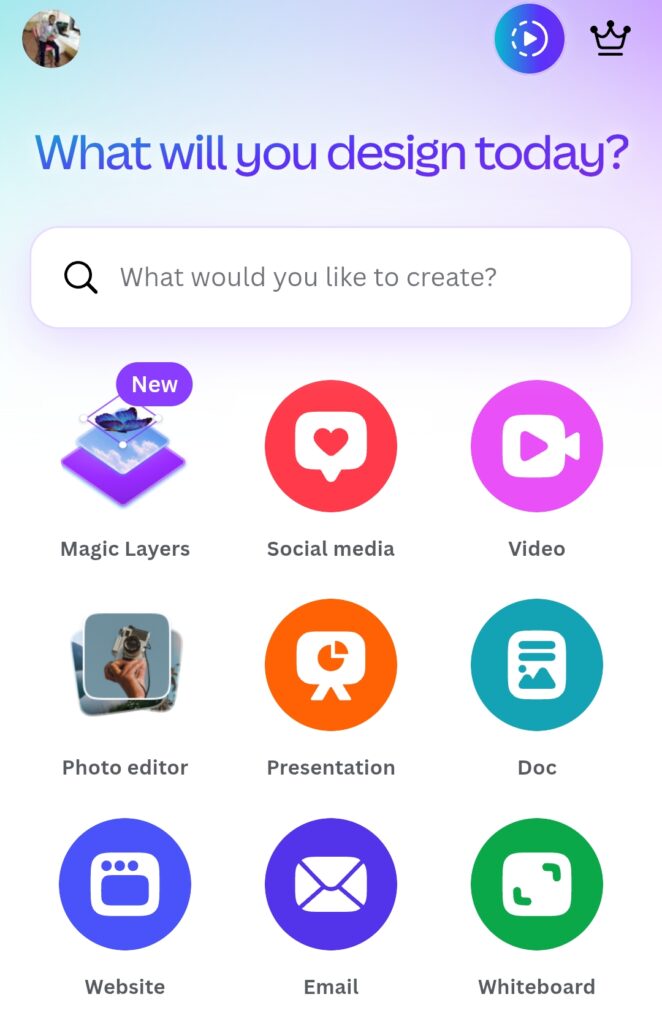
This app/platform is widely used as it helps teachers to create visually appealing chats and other teaching materials. Teachers can create materials like posters, worksheets and presentations.
This app is absolutely free for teachers who want to take their teaching to the next level.
Key Features of this Platform
- It has thousands of Education templates
- Has Drag and Drop design tools
- Contains Collaborative projects with Students
- Has AI powered Content Creation.
How to Use Canva For Education
- Sign up using your E-mail via the link https://www.canva.com/education/
- Verify as a teacher
- Choose a template for either poster, lesson slides, worksheets and etc.
- Customize your content according to your preference.
- Download your design and share with students
This app can best be used in making CBC teaching materials like charts and other visual aids. You can also use this platform to assign learners projects and presentations.
3. Kahoot
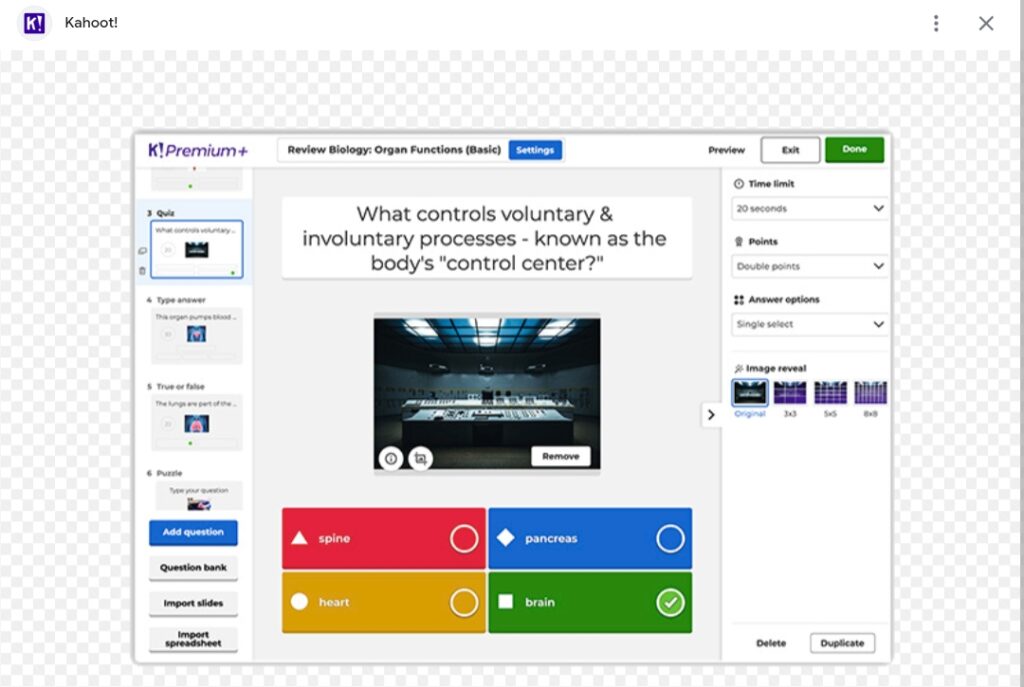
This app makes learning enjoyable through quizzes and competition in form of games. This makes learning fun and engaging.
This platform has the following key features:
- Creates quizzes and Polls
- Live or Self-paced learning
- Leaderboards for competition
- Ready made quizzes available for competition.
How to Use Kahoot In Teaching and learning
- Create a free account using the link https://kahoot.com/
- Design a quiz/choose an existing one
- Share Game Pin with Students
- Students answer using phones
- Display leaderboard results
This app is effective for revision before exams and engaging large Classes. Difficult subjects like math becomes enjoyable and fun.
4. Quizlet
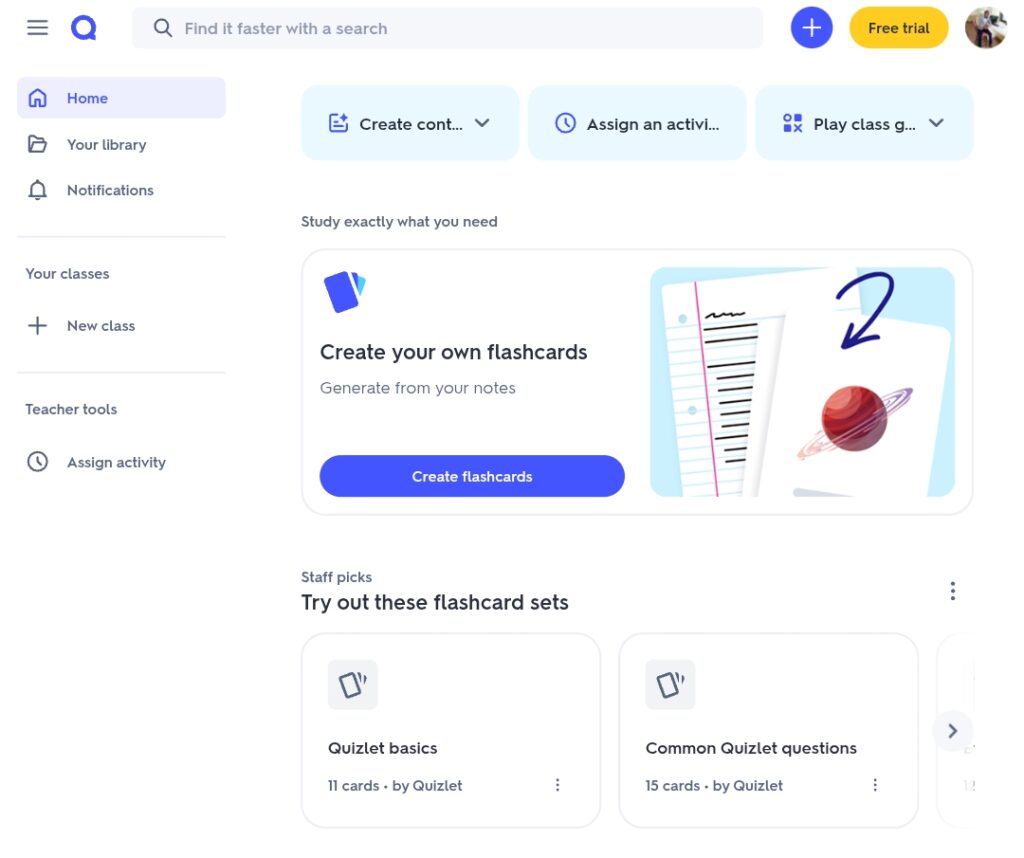
This app helps teachers and students to create digital flashcards that helps learners to memorize what they have been taught.
These platform has some features like:
- Flashcards and Quizzes
- Interactive games
- Self-paced learning
- Mobile friendly
How to use Quizlet
- Create an account using the linkhttps://quizlet.com/
- Create a “study Set”
- Add terms and Definitions
- Share with students
- Students will Access the terms and definitions that they will use to revise
Thia app is best in teaching sciences and languages which require definitions of concepts. This platform also supports slow learners.
5. Socrative
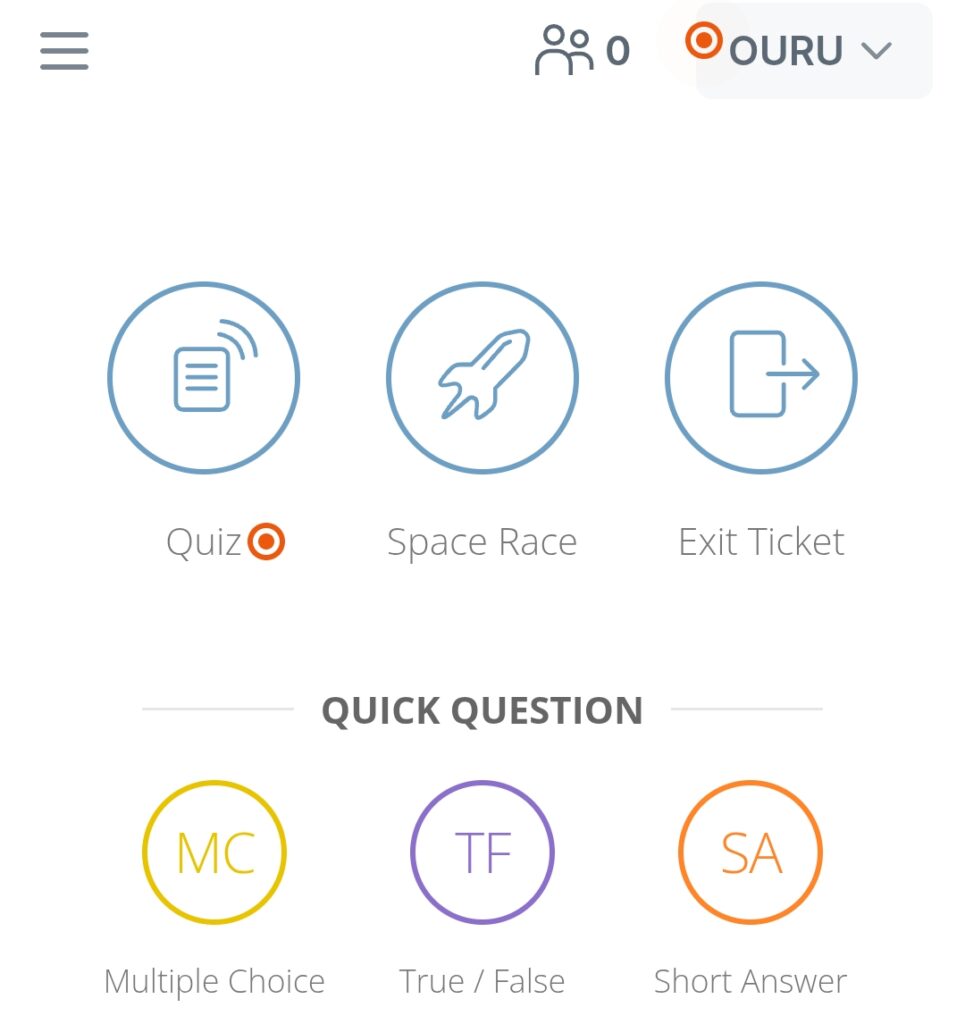
This app is used by teachers where they receive real time responses from students. This tool can be used to assess students in real time hence saving time.
This tool has various features including:
- Live Quizzes and polls
- Real time feedback
- Reports and student performance
- Exit Tickets
How to Use Socrative In Teaching and learning
- Create Teacher account using the link https://www.socrative.com/
- Create a quiz or quizzes
- Share room code with students
- Students answer in real-time
- Review results instantly
This platform is good for Continuous Assessments Tests, identifying weak learners quickly and tracking class performance.
6. Padlet
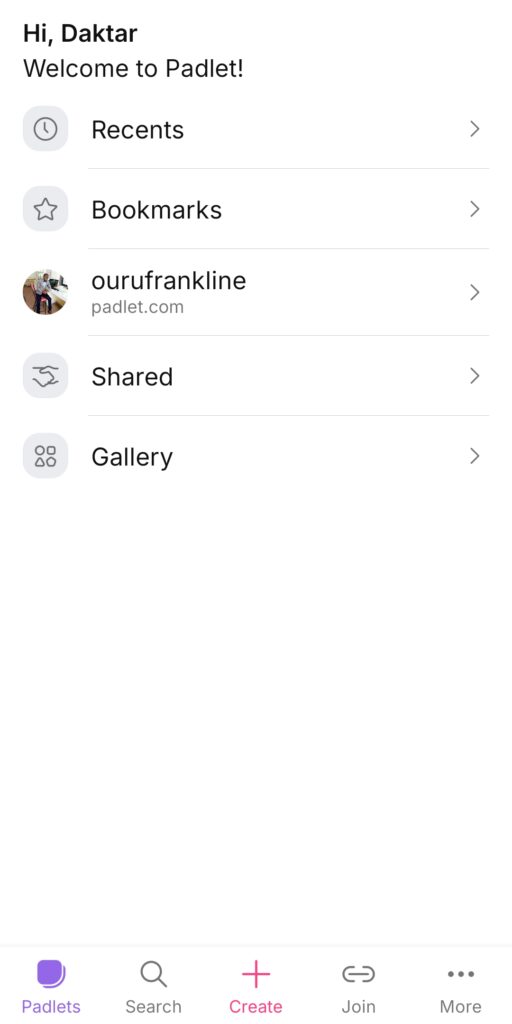
This digital app allows learners to collaborate and post ideas, answers and even projects. It has brainstorming boards, multimedia sharing and group collaboration.
How to use This App
- Create a Padlet Board Account using the link https://padlet.com/auth/signup?referrer=https%3A%2F%2Fpadlet.com%2Fdashboard%2Fmake
- Share your link with students/learners
- Students can post their answers/ideas/project on your board.
- You can review your contribution together with learners.
CBC teachers will find this app useful for group discussions, project based Learning and Accommodating shy students to learn.
7. ClassDojo
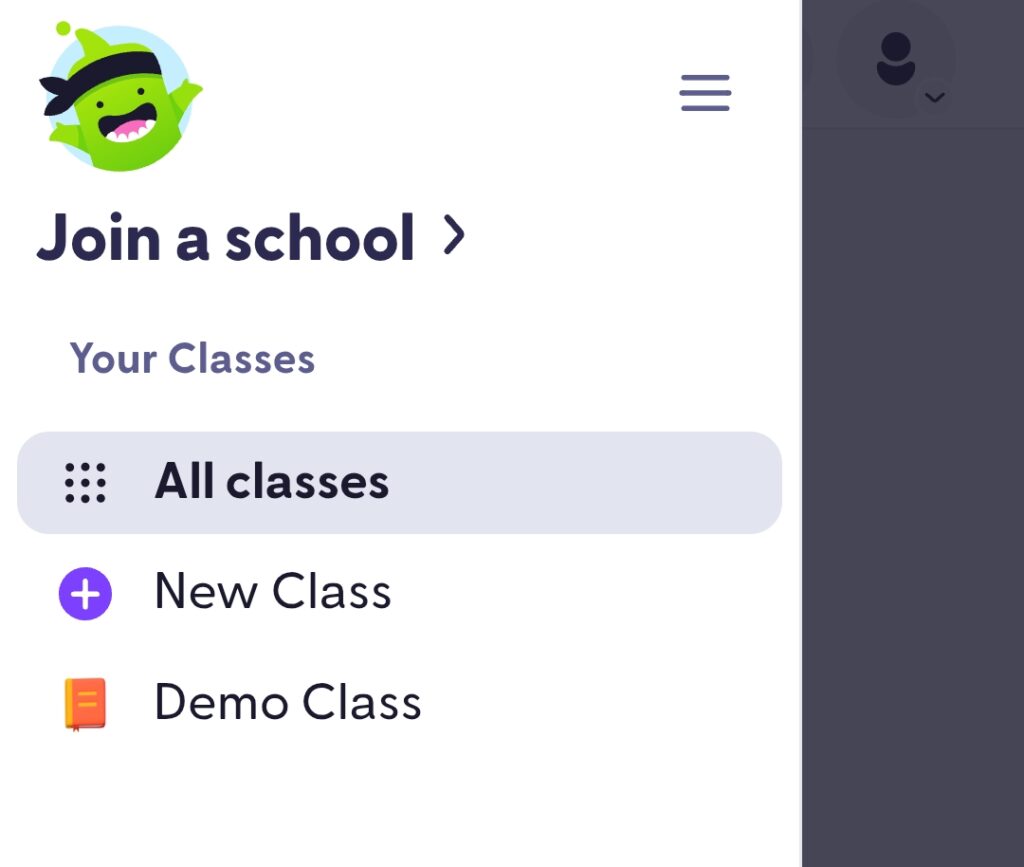
Thia is a free app that connects teachers, learners and parents. They can share updates and feedback using this Program.
It has features like behavior tracking, parent-teacher communication and sharing classroom activities.
How to Use This App
- Visit this Link to create account https://www.classdojo.com/
- Create a class
- Add Students
- Invite Parents
- Share Updates and Feedback
This tool allows teachers to involve parents in school matters. It is also best in managing student discipline.
Teachers can use this tool also to communicate with parents in boarding and day schools.
Why Teachers Need these Apps
By using these apps in teaching and learning, teachers can:
- Save time used in preparing lessons
- Improve student engagement during teaching and learning
- Give support in CBC implementation
- Reduce printing and paperwork costs
- Enhance digital literacy among learners which is a core competency in CBE.
Challenges Associated with these Apps
As much as these apps are important and play a crucial role in Kenyan classrooms, they also have their own limitations which include:
- Some areas may experience limited internet access.
- Some schools may lack devices for students.
- Some teachers may not be up to date with digital knowledge which poses a bigger challenge in the use of these digital apps.
To implement the use of these apps, always start with one or two apps to learn and perfect on them.
Conclusion
Since the Kenyan education system is moving digital, teachers need to verse themselves with the digital knowledge in order to have competitive advantage.
Teaching apps like Kahoot, Google classroom and Canva For Education can transform your class into a modern classroom which is engaging and providing an efficient learning environment.
Best free Teaching Apps for Kenyan Teachers 2026